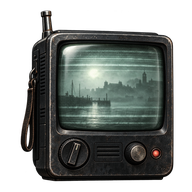
Tell a broadcast from a nearby threat
The official PlayStation description gives the CRTV two linked jobs: uncover analogue narrative clues and detect nearby threats. GamesRadar describes a red screen and dark creature outline when an enemy signal is located, including through obstacles.
A story or puzzle broadcast instead gives something to interpret: a destination, date or ordered images. The pharmacy signal’s poster order produces 6539; the signal after Zoe’s organ box points to the clinic. Seeing static alone does not tell you which task applies—find and resolve the signal first.
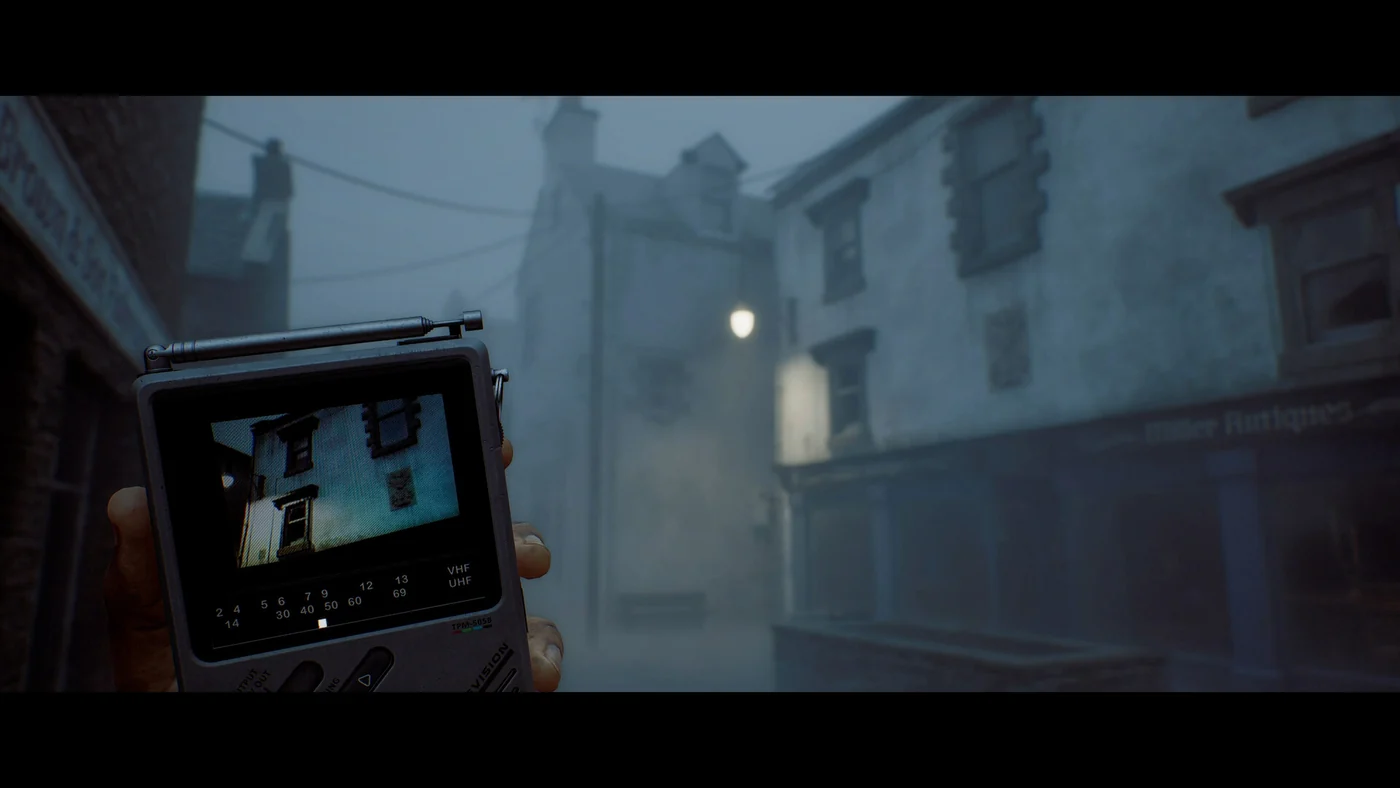
Controller tuning has more than one action
Noobfeed reports holding L1 to raise the CRTV. CDG’s short demonstration then uses L2 or R2 to adjust tuning, aligning the yellow indicators. At its fine-tuning phase, the creator presses X when the yellow dot reaches the black line.
Those labels describe different actions; they are not three conflicting answers to the same “raise” control. Follow the displayed prompts for your controller or remapped bindings. The supplied material does not establish the equivalent PC keyboard keys.
Some interacted devices also need image calibration. Noobfeed describes adjusting the device angle until the picture steadies, then aligning its RGB channels with the directional controls. The official PS5 page separately confirms DualSense motion control for rotating the CRTV to solve puzzles. It does not supply a universal motion-control setup for every PC controller.
Signals can be automatic or require a device pickup
IGN’s supplied guide counts 20 collectible CRTV signals. That is its collectible list, not a count of every possible enemy warning.
| Route moment | How the signal is obtained |
|---|---|
| Opening hotel escape | Broadcast accompanies the room-door clues |
| Town Square after leaving Haldane Hotel | A prompt directs your next scan |
| After opening Zoe’s organ box | New signal shows Shorefront Family Clinic |
| Inside the pharmacy | Interact with the device beside the telephone first |
| Journey to Medical, apartment 1/1 | Collect/interact with the device in the living room |
| Entry into the later hospital route | Device on a desk before collecting the map |
| Clara Woods, Locals store | Find the device on a table inside the shop |
If the pharmacy signal is missing, repeatedly retuning outside will not replace the interaction inside. The pharmacy guide explains what to read once that broadcast is available. IGN’s linked signal page has its full collectible list.
Use its information without losing the exit
Tracking a threat helps you wait for an opening, choose another doorway or avoid a blind corner. It does not make the displayed path safe indefinitely: keep checking the creature’s movement.
IGN’s supplied equipment video reports that you can use the CRTV in a designated hiding spot but cannot open your map there. It also advises putting the device away before opening a door. Plan the next landmark while you can read the map, then use the CRTV to judge when to move.
The material does not establish an option that removes all CRTV flashing or static. If that display is a comfort concern, see the horror and settings reference for what is documented without assuming an unverified accessibility toggle.
Sources & scope
Written September 30, 2026 from the linked sources captured in the supplied research. AI assisted compilation and wording; no hands-on gameplay test is claimed. The capture date is separate from a game patch or source publication date.
- Silent Hill: Townfall - PS5 Games | PlayStation (US)Release-week material captured September 30, 2026
- Silent Hill: Townfall Guide | How to Use the CRTV | NoobFeedRelease-week material captured September 30, 2026
- Horror game hiding is my personal nightmare, but Silent Hill Townfall's CRTV vision gives me just enough confidence to fight back | GamesRadar+Release-week material captured September 30, 2026
- All 20 CRTV Signals Locations - Silent Hill: Townfall Guide - IGNRelease-week material captured September 30, 2026
- CDG: How to use the CRTVController tuning demonstration transcript; platform labels and remapping may differ
- IGN: Eight things to know before playingEquipment and hiding observations in supplied transcript